МЕНЯЕМ СВЕТ
В ВАШЕМ
ВИДЕО
Снимите себя на телефон и попробуйте восемь схем света в нейросети. От театрального спота до неона — на одном исходном видео.
ЧТО У ВАС ПОЛУЧИТСЯ
01 / НАЧИНАЕМ СО СЪЁМКИ
СНИМИТЕ СЕБЯ
НА ТЕЛЕФОН
Сначала — обычное видео
при ровном свете.
- Снимите себя на телефон при ровном, равномерном освещении. Подойдёт мягкий свет от окна перед вами: лицо должно хорошо читаться, без резких теней и цветных источников.
- Запишите видео не короче 3 секунд. Ролик меньше 3 секунд загрузить нельзя. Лучше выбрать короткий цельный дубль, на котором хорошо видно лицо.
- Сохраните исходное видео. Именно его движения, мимику, одежду и обстановку будем сохранять при смене света.
- Нейросеть и режим
- Seedance 2.5 EDIT
- Исходное видео
- ОТ 3 СЕКУНД
- Качество генерации
- ОТ 720pРекомендуем 720p или 1080p
ПОДГОТОВЬТЕ ДВА МАТЕРИАЛА
Своё видео и фотографию с нужным светом из этого гайда. Фото подсказывает только освещение и цвет — человек, одежда и локация остаются из вашего ролика.
02 / РЕДАКТИРУЕМ ГОТОВОЕ ВИДЕО
ТЕПЕРЬ
МЕНЯЕМ СВЕТ
Нужная версия —
Seedance 2.5 EDIT.
О РЕФЕРЕНСАХ
Используйте фотографии из этого гайда или собственные снимки с нужным светом. Кадры из фильмов с узнаваемыми лицами актёров могут вызвать блокировку генерации. Эти примеры помогают обойтись без таких кадров, но результат всё равно зависит от проверки сервиса.
- Откройте редактор видео на Higgsfield и выберите Seedance 2.5 EDIT.
- Загрузите своё видео длительностью от 3 секунд. Для выбранной схемы добавьте фото со светом из раздела ниже.
- Скопируйте промпт. Через @ привяжите @video1 к своему ролику, а @image1 — к фотографии света. Выберите загруженные материалы в подсказке редактора: маркеры должны стать активными ссылками.
- Проверьте привязки и выберите качество не ниже 720p. При возможности используйте 1080p, затем запустите генерацию.
- Сравните результат с исходником: должны сохраниться ваше лицо, движения, мимика и сцена. Свет и цвет при этом меняются по выбранной схеме.
03 / ТОЛЬКО СХЕМЫ ИЗ ВИДЕО МАКСИМА
8 СХЕМ
СВЕТА
Выберите нужный свет, откройте фотографию и скопируйте промпт. Для каждой новой схемы используйте исходное видео с ровным освещением.
Театральный спот
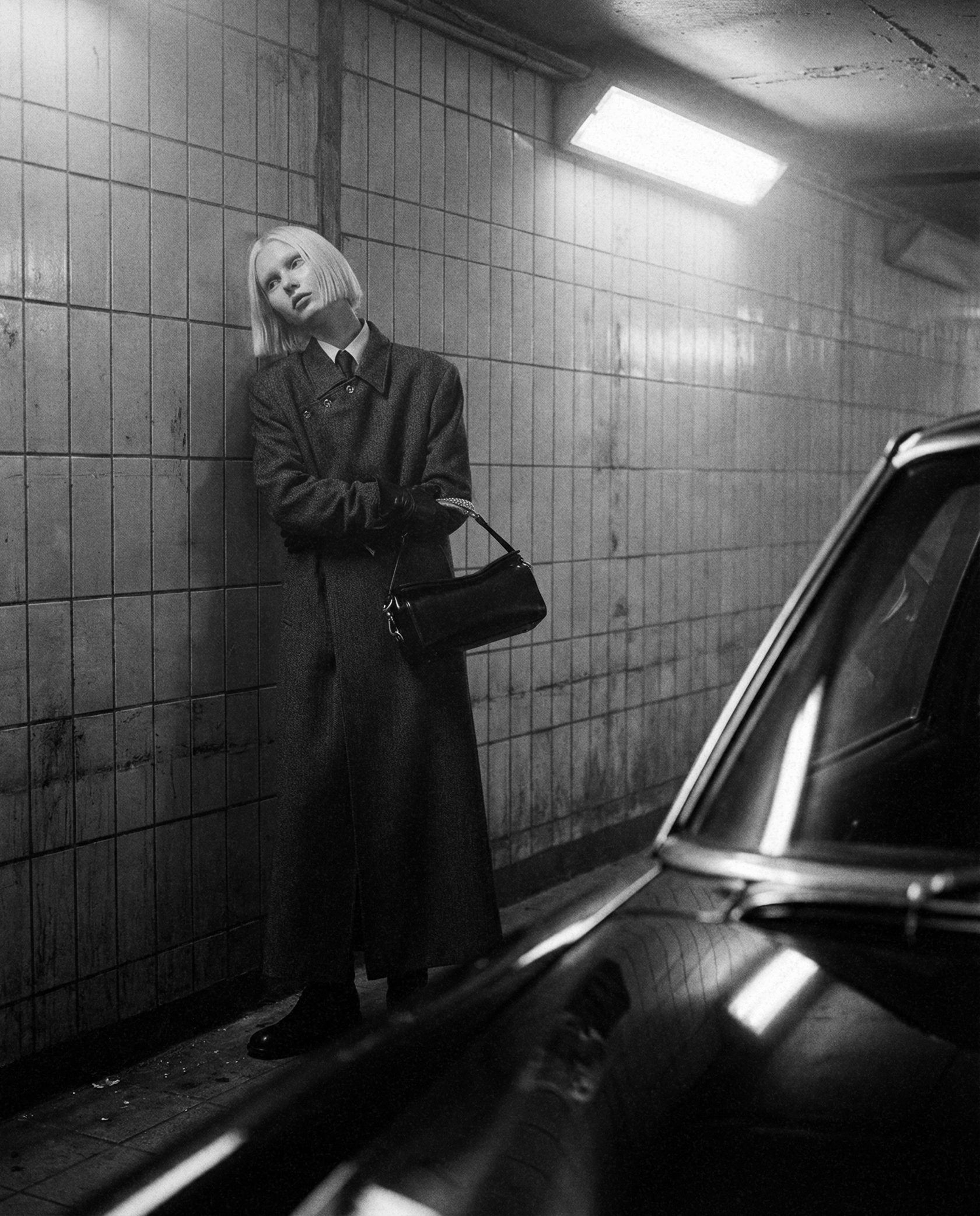
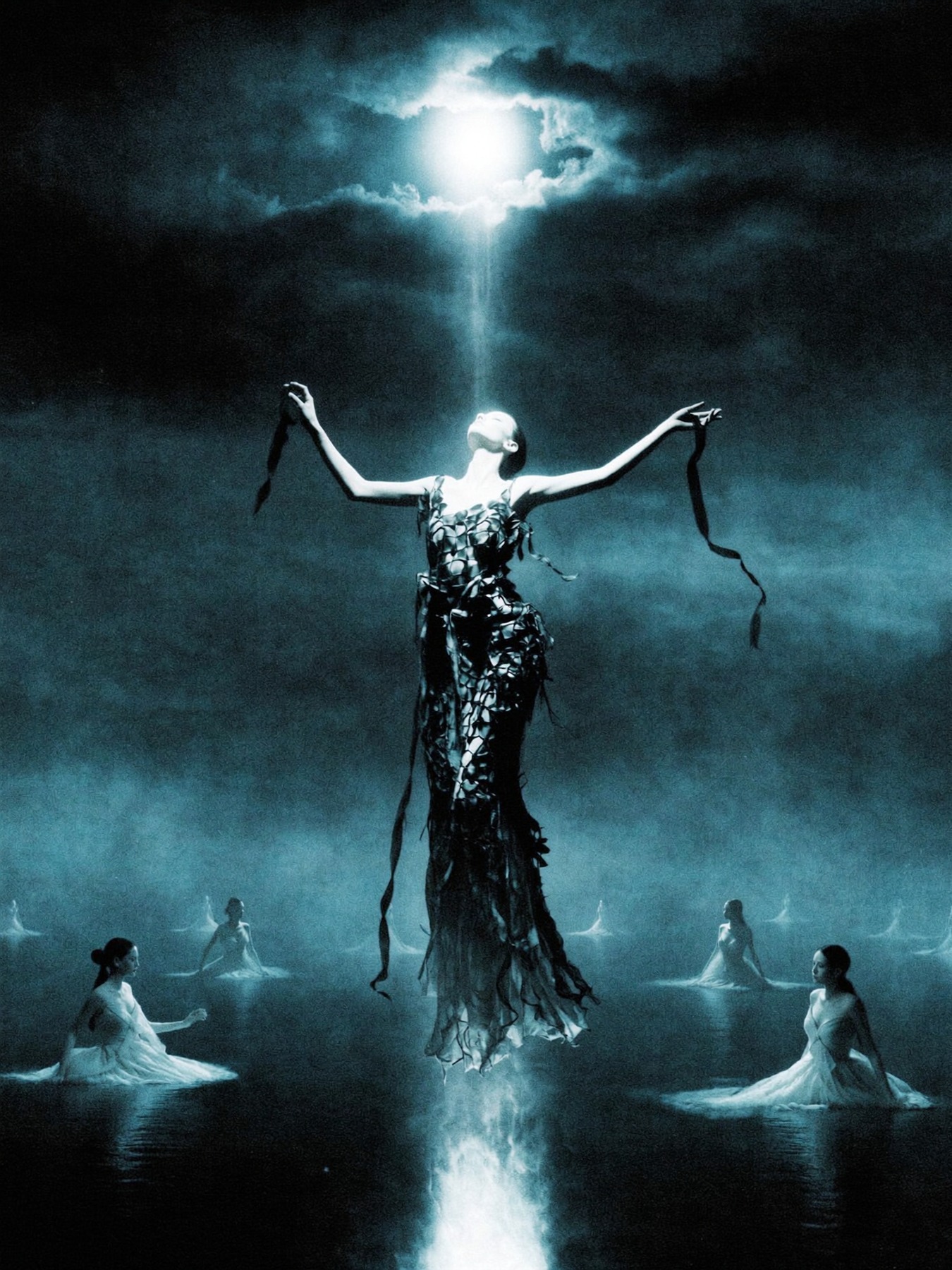
Узкий жёсткий луч выделяет человека из темноты. Вокруг остаётся глубокая тень, а на полу и ближайших поверхностях читается чёткая граница светового пятна.
Промпт
@video1 — ваше исходное видео. @image1 — фотография света для этой схемы. Привяжите оба материала через @ в редакторе.
Открыть полный промпт
RELIGHT THE EXISTING VIDEO — THEATRICAL SPOTLIGHT.

INPUTS
The uploaded clip @video1 is the source for the entire shot. Use the uploaded image @image1 only to guide the lighting, colours and light effects. The image must not determine identity, wardrobe, scenery, camera composition or a starting frame.

KEEP THE ORIGINAL SHOT
Retain every person’s identity, facial features, hair, outfit and proportions, along with the original location and objects. Keep the same framing, camera motion, clip length, action timing, expressions, gestures and lip synchronisation. Add no people or objects and remove none.

LIGHTING
Create the effect of a focused theatre spotlight. A hard, concentrated beam lights the person and forms a clearly edged pool on any visible nearby floor or surface. Reduce the surrounding exposure to stage-like darkness while retaining the original background. Maintain strong contrast and believable light falloff. Track all illumination, shadows and reflections consistently as the person and camera move.

OUTPUT
Change illumination and colour only. Deliver realistic video with natural skin detail and the original lens perspective. Retain the original dialogue and sound. Add no soundtrack, titles or graphics.
Золотой час
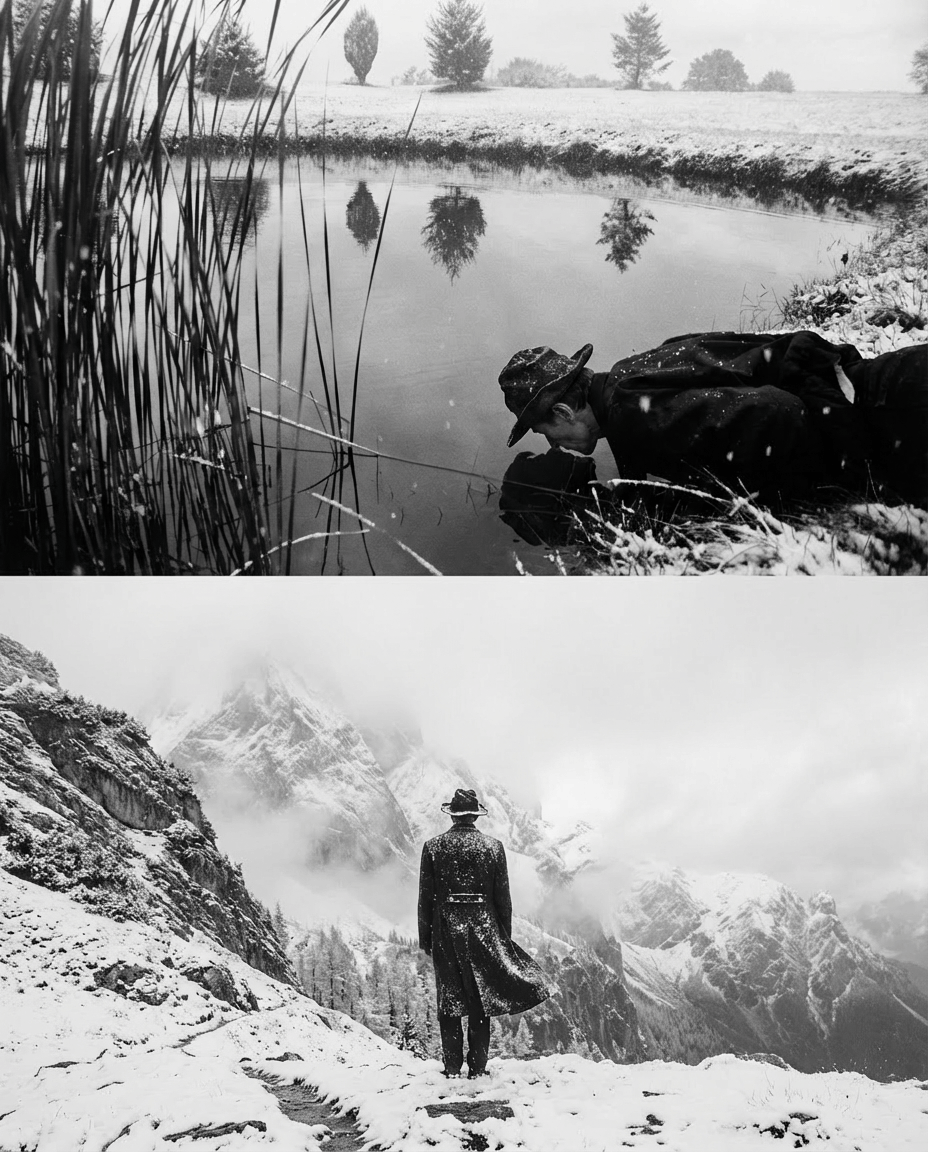
Тёплый низкий свет, мягкие длинные тени и золотистые блики в волосах. Так можно получить ощущение съёмки перед закатом даже у обычного видео с телефона.
Промпт
@video1 — ваше исходное видео. @image1 — фотография света для этой схемы. Привяжите оба материала через @ в редакторе.
Открыть полный промпт
RELIGHT THE EXISTING VIDEO — GOLDEN HOUR.

INPUTS
The uploaded clip @video1 is the source for the entire shot. Use the uploaded image @image1 only to guide the lighting, colours and light effects. The image must not determine identity, wardrobe, scenery, camera composition or a starting frame.

KEEP THE ORIGINAL SHOT
Retain every person’s identity, facial features, hair, outfit and proportions, along with the original location and objects. Keep the same framing, camera motion, clip length, action timing, expressions, gestures and lip synchronisation. Add no people or objects and remove none.

LIGHTING
Recreate low golden-hour sunlight entering from one side. Give the skin a warm natural glow, create elongated soft shadows and golden highlights on the existing hair. Introduce restrained amber colour and gentle optical bloom without washing out facial detail or changing the location. Track all illumination, shadows and reflections consistently as the person and camera move.

OUTPUT
Change illumination and colour only. Deliver realistic video with natural skin detail and the original lens perspective. Retain the original dialogue and sound. Add no soundtrack, titles or graphics.
Контровой свет
Источник за человеком подсвечивает волосы, плечи и края силуэта. Лицо остаётся мягко освещённым, а светящийся контур отделяет фигуру от фона.
Промпт
@video1 — ваше исходное видео. @image1 — фотография света для этой схемы. Привяжите оба материала через @ в редакторе.
Открыть полный промпт
RELIGHT THE EXISTING VIDEO — RIM / BACKLIGHT.

INPUTS
The uploaded clip @video1 is the source for the entire shot. Use the uploaded image @image1 only to guide the lighting, colours and light effects. The image must not determine identity, wardrobe, scenery, camera composition or a starting frame.

KEEP THE ORIGINAL SHOT
Retain every person’s identity, facial features, hair, outfit and proportions, along with the original location and objects. Keep the same framing, camera motion, clip length, action timing, expressions, gestures and lip synchronisation. Add no people or objects and remove none.

LIGHTING
Place a strong light behind the person so a narrow luminous rim follows the real outline of the hair, head, shoulders and arms. Keep a small amount of soft frontal fill so facial features remain visible. Retain darker surroundings and physically plausible edge reflections; do not import scenery from the reference. Track all illumination, shadows and reflections consistently as the person and camera move.

OUTPUT
Change illumination and colour only. Deliver realistic video with natural skin detail and the original lens perspective. Retain the original dialogue and sound. Add no soundtrack, titles or graphics.
Высокий ключ
Много мягкого света, низкий контраст и почти незаметные тени. Кадр становится светлым и воздушным, при этом кожа и детали сохраняют фактуру.
Промпт
@video1 — ваше исходное видео. @image1 — фотография света для этой схемы. Привяжите оба материала через @ в редакторе.
Открыть полный промпт
RELIGHT THE EXISTING VIDEO — HIGH-KEY.

INPUTS
The uploaded clip @video1 is the source for the entire shot. Use the uploaded image @image1 only to guide the lighting, colours and light effects. The image must not determine identity, wardrobe, scenery, camera composition or a starting frame.

KEEP THE ORIGINAL SHOT
Retain every person’s identity, facial features, hair, outfit and proportions, along with the original location and objects. Keep the same framing, camera motion, clip length, action timing, expressions, gestures and lip synchronisation. Add no people or objects and remove none.

LIGHTING
Build a bright high-key setup with broad, diffused frontal illumination and generous fill. Soften shadows under the chin and across the existing set. Lift the scene to clean, airy whites and a low-contrast commercial finish. Keep highlight detail, natural skin colour and visible facial texture; avoid clipped white areas. Track all illumination, shadows and reflections consistently as the person and camera move.

OUTPUT
Change illumination and colour only. Deliver realistic video with natural skin detail and the original lens perspective. Retain the original dialogue and sound. Add no soundtrack, titles or graphics.
Низкий ключ
Большая часть кадра уходит в тень. Мягкий рисующий свет оставляет акцент на лице и верхней части тела, создавая спокойный драматичный портрет.
Промпт
@video1 — ваше исходное видео. @image1 — фотография света для этой схемы. Привяжите оба материала через @ в редакторе.
Открыть полный промпт
RELIGHT THE EXISTING VIDEO — LOW-KEY.

INPUTS
The uploaded clip @video1 is the source for the entire shot. Use the uploaded image @image1 only to guide the lighting, colours and light effects. The image must not determine identity, wardrobe, scenery, camera composition or a starting frame.

KEEP THE ORIGINAL SHOT
Retain every person’s identity, facial features, hair, outfit and proportions, along with the original location and objects. Keep the same framing, camera motion, clip length, action timing, expressions, gestures and lip synchronisation. Add no people or objects and remove none.

LIGHTING
Build a low-key setup around one soft key that illuminates the face and upper torso. Keep most of the original room in deep shadow, with only subtle environmental shapes still visible. Use a near-black background impression and rich contrast without losing important facial features or replacing the set. Track all illumination, shadows and reflections consistently as the person and camera move.

OUTPUT
Change illumination and colour only. Deliver realistic video with natural skin detail and the original lens perspective. Retain the original dialogue and sound. Add no soundtrack, titles or graphics.
Неон
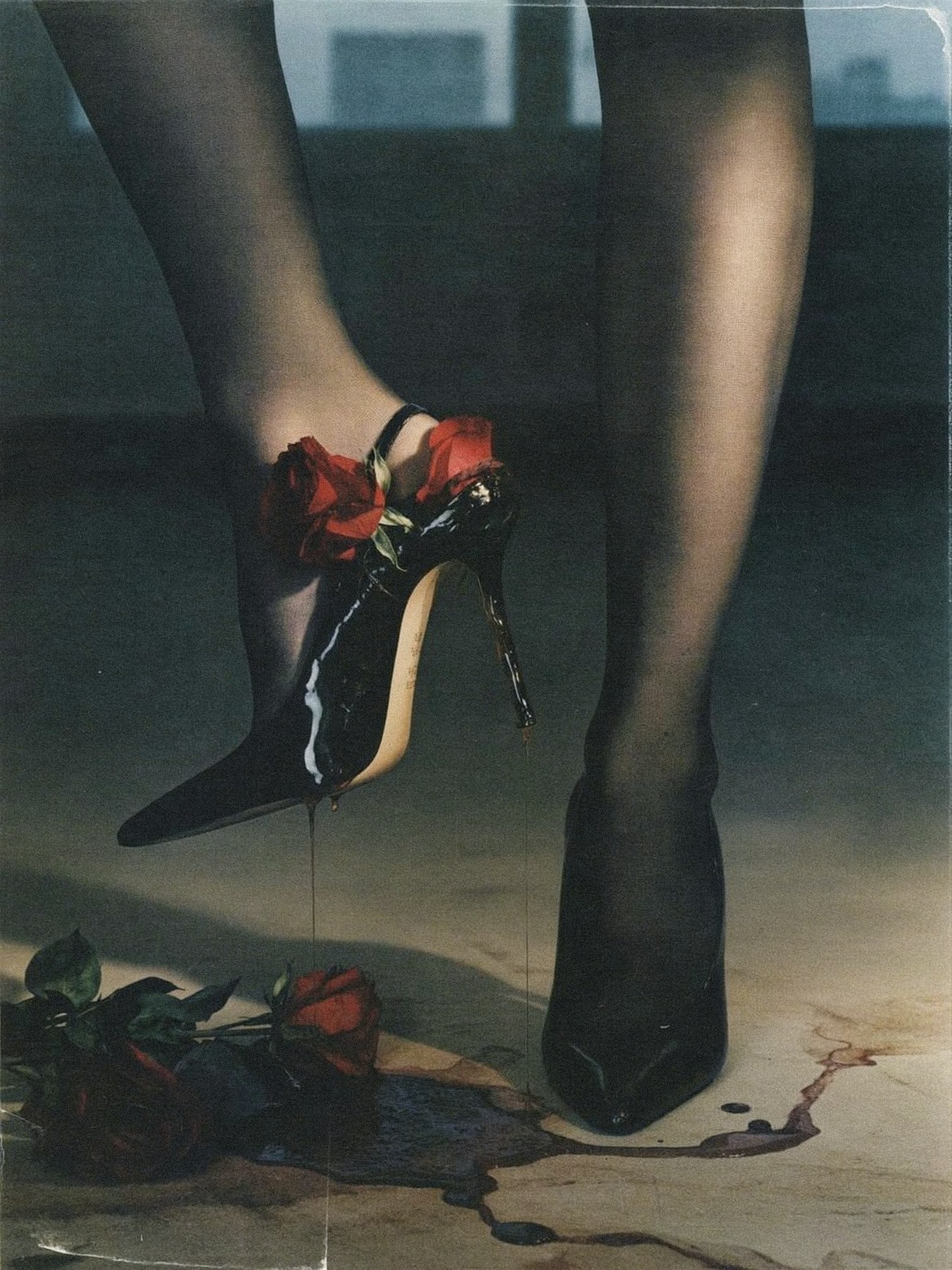
Оранжево-красный и электрический синий свет окрашивают лицо с разных сторон. Цветные рефлексы и глубокие тени дают ощущение ночной сцены.
Промпт
@video1 — ваше исходное видео. @image1 — фотография света для этой схемы. Привяжите оба материала через @ в редакторе.
Открыть полный промпт
RELIGHT THE EXISTING VIDEO — NEON.

INPUTS
The uploaded clip @video1 is the source for the entire shot. Use the uploaded image @image1 only to guide the lighting, colours and light effects. The image must not determine identity, wardrobe, scenery, camera composition or a starting frame.

KEEP THE ORIGINAL SHOT
Retain every person’s identity, facial features, hair, outfit and proportions, along with the original location and objects. Keep the same framing, camera motion, clip length, action timing, expressions, gestures and lip synchronisation. Add no people or objects and remove none.

LIGHTING
Illuminate the scene with two saturated off-camera colour sources: warm orange-red from one side and electric blue from the opposite side. Let their colours reflect realistically on skin, clothing and nearby surfaces. Maintain deep colourful shadows and a nocturnal club atmosphere. Do not add lamps, neon signs, lettering or new objects. Track all illumination, shadows and reflections consistently as the person and camera move.

OUTPUT
Change illumination and colour only. Deliver realistic video with natural skin detail and the original lens perspective. Retain the original dialogue and sound. Add no soundtrack, titles or graphics.
Рембрандт
Рисующий свет приходит сверху и сбоку, примерно под 45°. На теневой щеке под глазом остаётся небольшой световой треугольник — характерная деталь этой схемы.
Промпт
@video1 — ваше исходное видео. @image1 — фотография света для этой схемы. Привяжите оба материала через @ в редакторе.
Открыть полный промпт
RELIGHT THE EXISTING VIDEO — REMBRANDT.

INPUTS
The uploaded clip @video1 is the source for the entire shot. Use the uploaded image @image1 only to guide the lighting, colours and light effects. The image must not determine identity, wardrobe, scenery, camera composition or a starting frame.

KEEP THE ORIGINAL SHOT
Retain every person’s identity, facial features, hair, outfit and proportions, along with the original location and objects. Keep the same framing, camera motion, clip length, action timing, expressions, gestures and lip synchronisation. Add no people or objects and remove none.

LIGHTING
Use a single elevated key light approximately 45 degrees to the side of the face. Shape the nose shadow so it leaves a small lit triangle beneath the eye on the shadowed cheek. Keep fill minimal, the background subdued and the tones gently warm and painterly. Preserve natural facial anatomy throughout the movement. Track all illumination, shadows and reflections consistently as the person and camera move.

OUTPUT
Change illumination and colour only. Deliver realistic video with natural skin detail and the original lens perspective. Retain the original dialogue and sound. Add no soundtrack, titles or graphics.
Сплит
Боковой свет делит лицо на две части: одна освещена, другая погружена в тень. Граница проходит примерно по центру лица, подчёркивая его объём.
Промпт
@video1 — ваше исходное видео. @image1 — фотография света для этой схемы. Привяжите оба материала через @ в редакторе.
Открыть полный промпт
RELIGHT THE EXISTING VIDEO — SPLIT.

INPUTS
The uploaded clip @video1 is the source for the entire shot. Use the uploaded image @image1 only to guide the lighting, colours and light effects. The image must not determine identity, wardrobe, scenery, camera composition or a starting frame.

KEEP THE ORIGINAL SHOT
Retain every person’s identity, facial features, hair, outfit and proportions, along with the original location and objects. Keep the same framing, camera motion, clip length, action timing, expressions, gestures and lip synchronisation. Add no people or objects and remove none.

LIGHTING
Place a hard key light at roughly 90 degrees to one side of the face. Illuminate one half and keep the other half in deep shadow, with a distinct division near the facial centre line. Maintain dramatic contrast and darker surroundings. Allow the lighting to respond naturally when the person turns or moves. Track all illumination, shadows and reflections consistently as the person and camera move.

OUTPUT
Change illumination and colour only. Deliver realistic video with natural skin detail and the original lens perspective. Retain the original dialogue and sound. Add no soundtrack, titles or graphics.
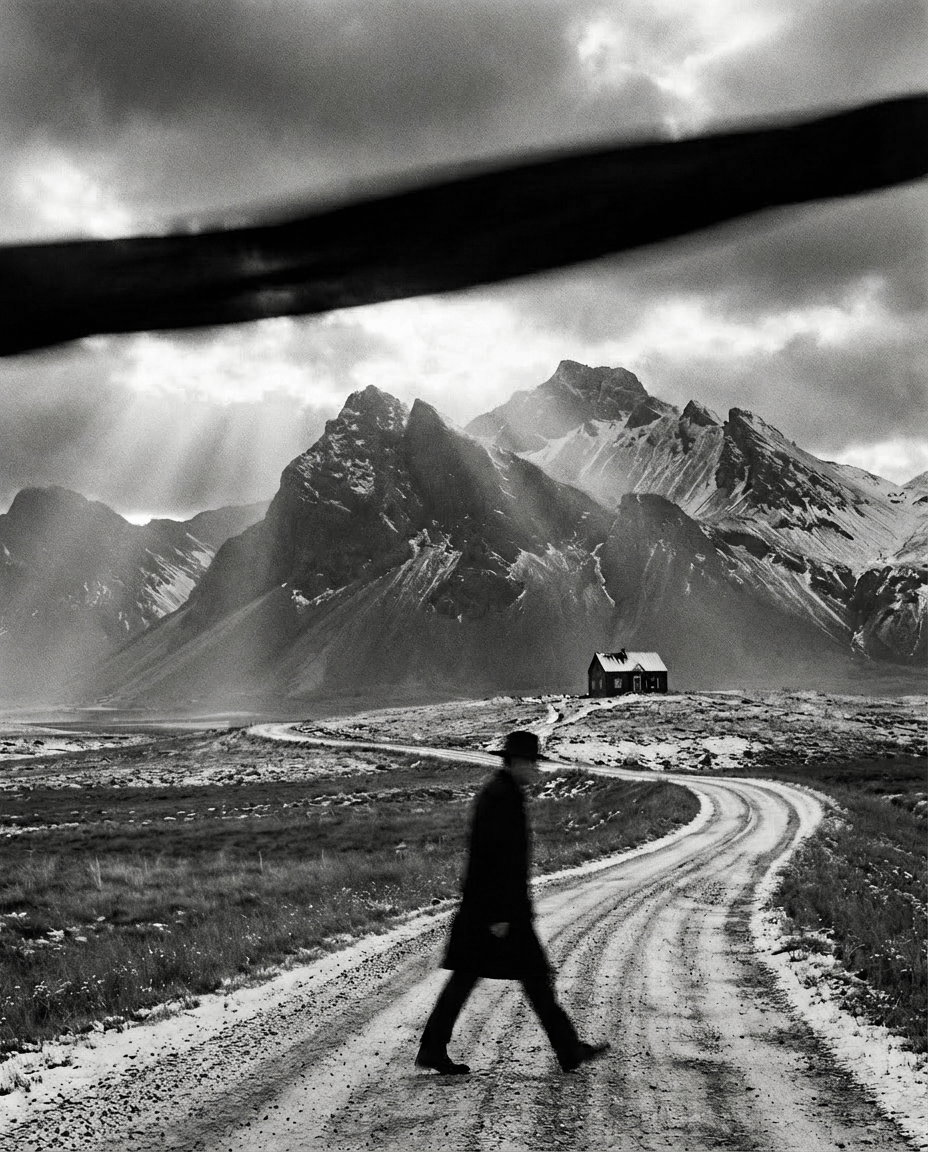
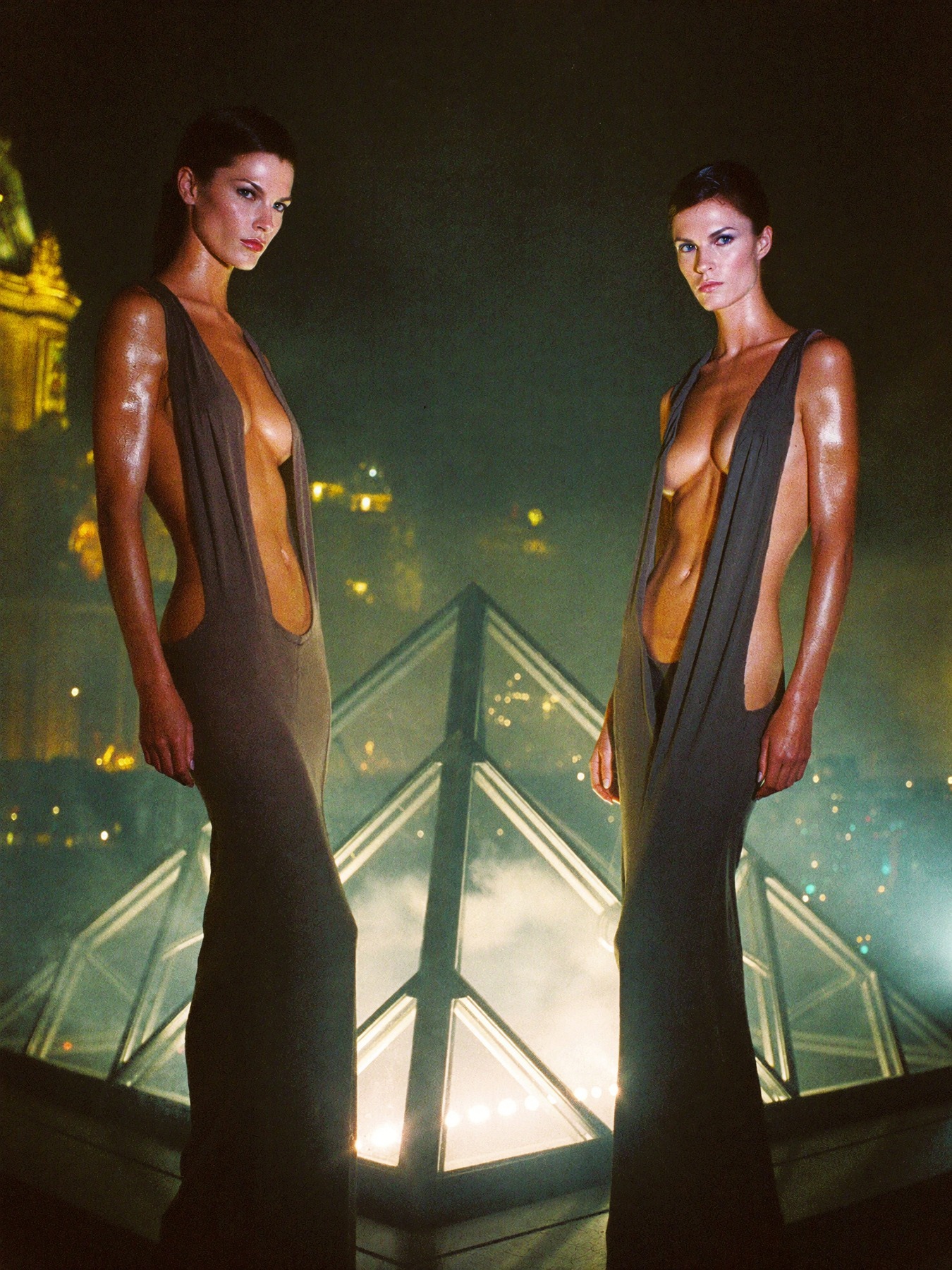
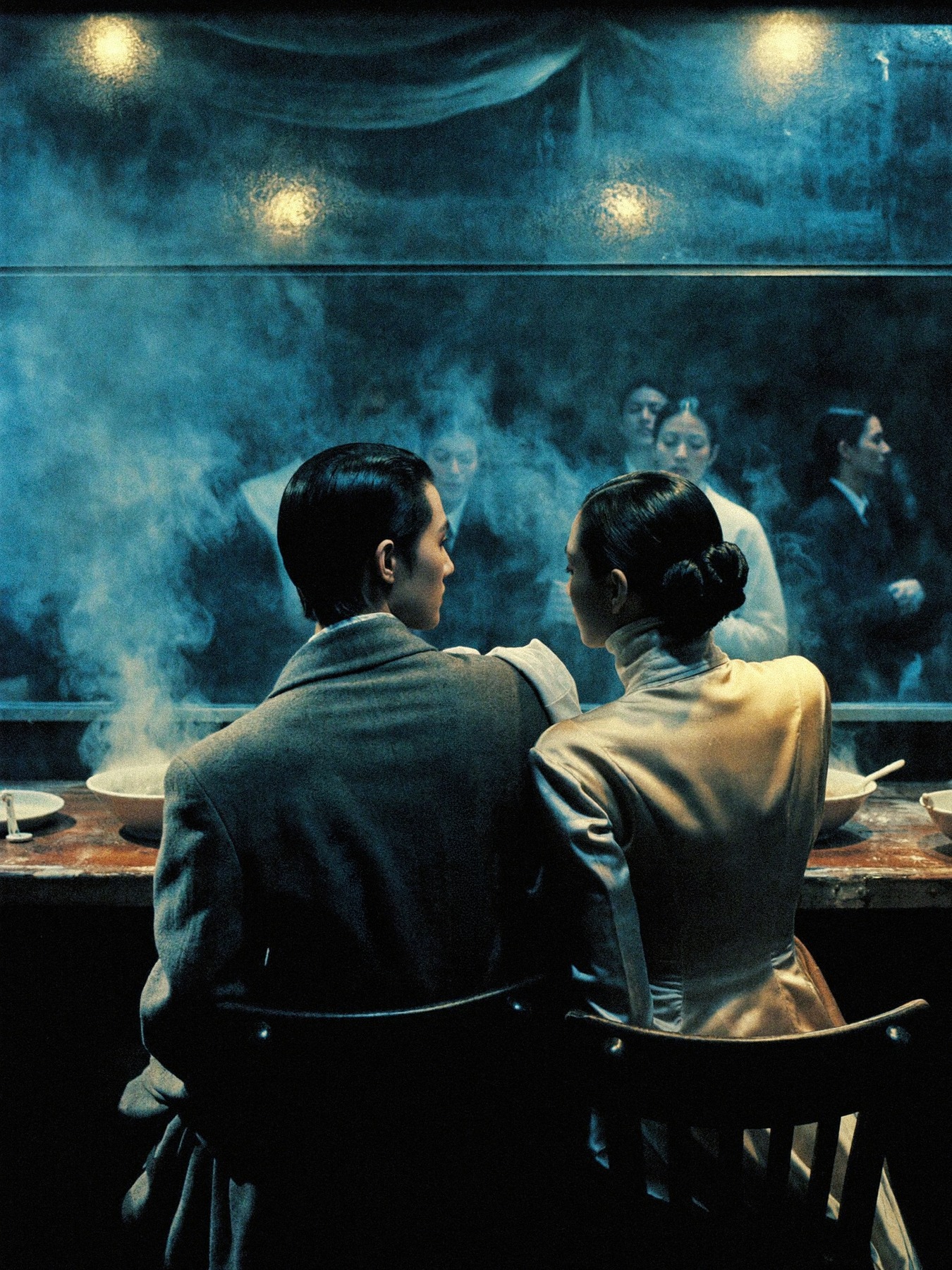
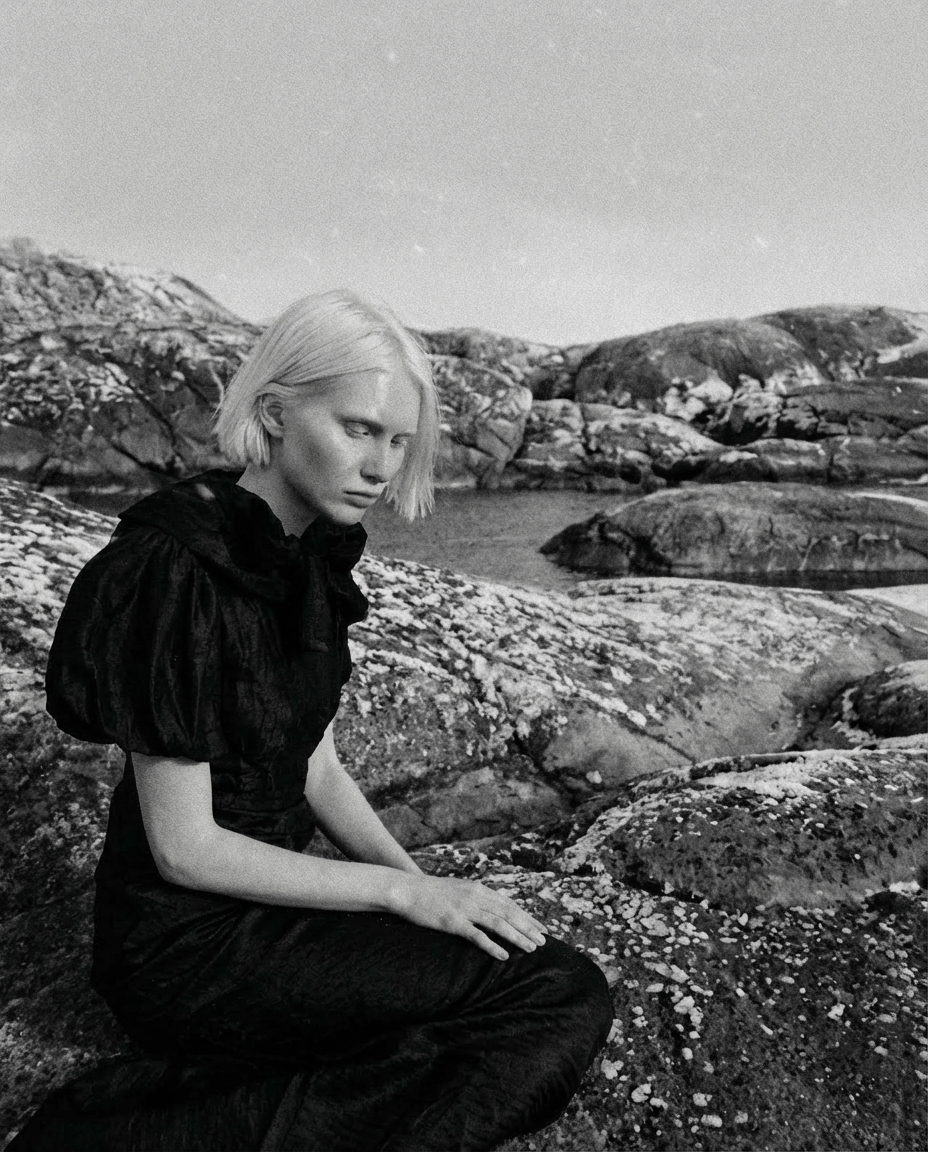
ART DICTATOR / МАКСИМ БАЕВ
РАБОТЫ МАКСИМА БАЕВА / НАЖМИТЕ, ЧТОБЫ РАССМОТРЕТЬ